
The data lane
Record create, update and delete; CSV import.
Written straight to the file in a validated transaction, with per-record version checks and idempotency keys. Everyday data entry never waits for a copy and a preview.
How it works
A Nendo application is data in a SQLite file. The installed app builds the screens from that data, and every change is one of a small number of named operations.
An application is a single SQLite file with the extension .nendo and application id 0x4E454E44. It uses a rollback (DELETE) journal,synchronous=FULL and a two-second busy timeout. Write-ahead logging was measured and rejected.
Each file records a minimumHostVersion. An older version of Nendo refuses to open a newer file instead of opening part of it, and opening an older file never upgrades or rewrites it. A file can grow to 256 MiB, roughly 75,500 text-heavy records; a cold open at that size took about 6.6 seconds.
Each record type is an ordinary relational table. Stable IDs map record types and fields to their physical names, so renaming something doesn't break the screens that use it. Numbers are exact by contract: decimal values use the .NET decimal range, are stored as exact text, and never pass through a JavaScript number anywhere in the product.
Two lanes
Record create, update and delete; CSV import.
Written straight to the file in a validated transaction, with per-record version checks and idempotency keys. Everyday data entry never waits for a copy and a preview.
Schema, screens, constraints and commands.
Changes are made on a copy of the file. Nendo validates them and shows a diff first, and accepting them is a separate step that happens in the Nendo app itself.
Separate revision histories for definitions and for data, one overall change sequence, and a version number on every record keep the two apart. Editing a record doesn't invalidate a pending proposal that only touches screens.
The vocabulary
These are the only ways the file can change. There is no raw SQL and no general-purpose escape hatch. The two marked * are available only in the Nendo app itself.
| Schema | Data | Screens, behaviour and purpose | Custom-view code |
|---|---|---|---|
schema.createEntity | data.createRecord | ui.addNode | extension.setPackage |
schema.addField | data.setField | ui.setProperty | extension.putFile |
schema.renameEntity | data.deleteRecord | ui.moveNode | extension.removeFile |
schema.renameField | data.restoreDeletedRecord * | ui.removeNode | extension.removePackage |
schema.setFieldRequired | data.backfillRetiredField | ||
schema.setRetired | data.convertLegacyReference | behaviour.setDefinition | |
schema.setChoiceMetadata | identity.transition * | behaviour.removeDefinition | |
schema.configureReference | application.setPurpose |
reversibleIt has a proven inverse, and applying it lost nothing.
reversibleWithRetainedStateUndoing it needs data the file kept on purpose, and the file records that it did.
irreversibleDeclaredSomething cannot be recovered, and you are told before you accept.
A change that loses data is never called reversible just because a backup exists. There is no universal undo. Reversing a change applies its inverse as a new revision; history is never rewound.
Review and acceptance
Below Unattended, agents have no MCP tool for accepting changes. A person accepts them in the Nendo app. At Unattended, the toolnendo.change_set.accept lets an agent accept its own validated changes.
Screens
A screen is an ordered tree of nodes, each one of the kinds below. Agents read that list from the same table Nendo validates against, so they are never offered a kind that will then be refused. The format is contract version 3, the only one this version of Nendo accepts.
recordListboardSurfacegallerySurfacecalendarSurfacetimelineSurfacematrixSurfacerankedListdetailSurfaceoverviewSurfacerecordFormrecordCommandrelatedListsummaryTilebreakdownCharttrendChartprogressTilerangeTileactivityGridrecentListfilterClausesectiontabGroupfieldBindingcommandStepextensionGraphSurfaceextensionRecordsSurfaceextensionRecordPanelA summary tile computes an exact count, sum,min or max. It refuses avgand says why: the average of exact decimals is usually not an exact decimal.
A chart shows exact totals over a fixed set of groups, such as a choice field's options, a yes/no field or the months of a Date field, drawn to scale with the numbers beside them. A dashboard is a page of these tiles and charts. Neither stores a layout, a formula or sampled data.
If any screen fails to compile, Nendo shows none of the custom screens rather than half an application. Studio is there either way.
Studio
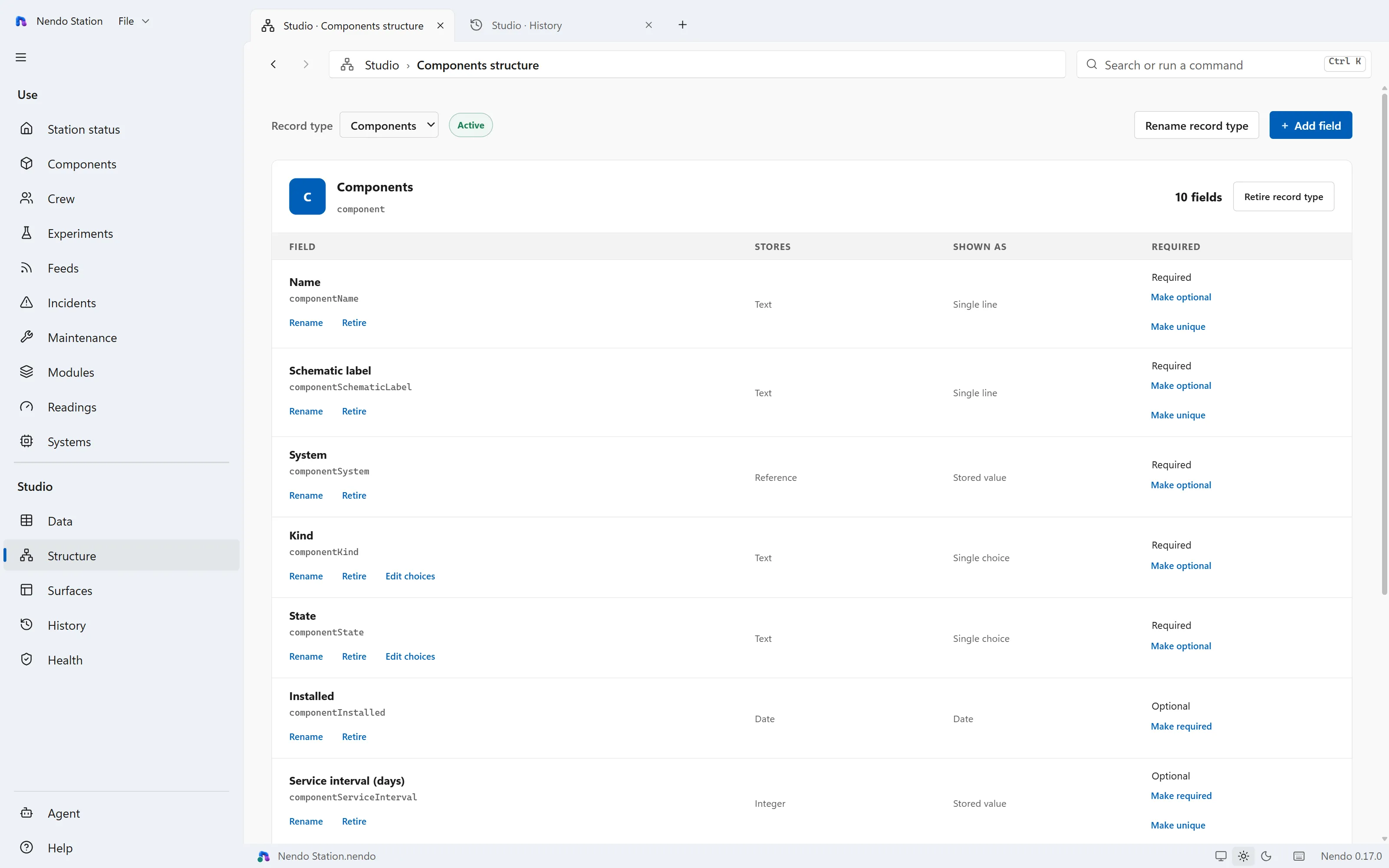
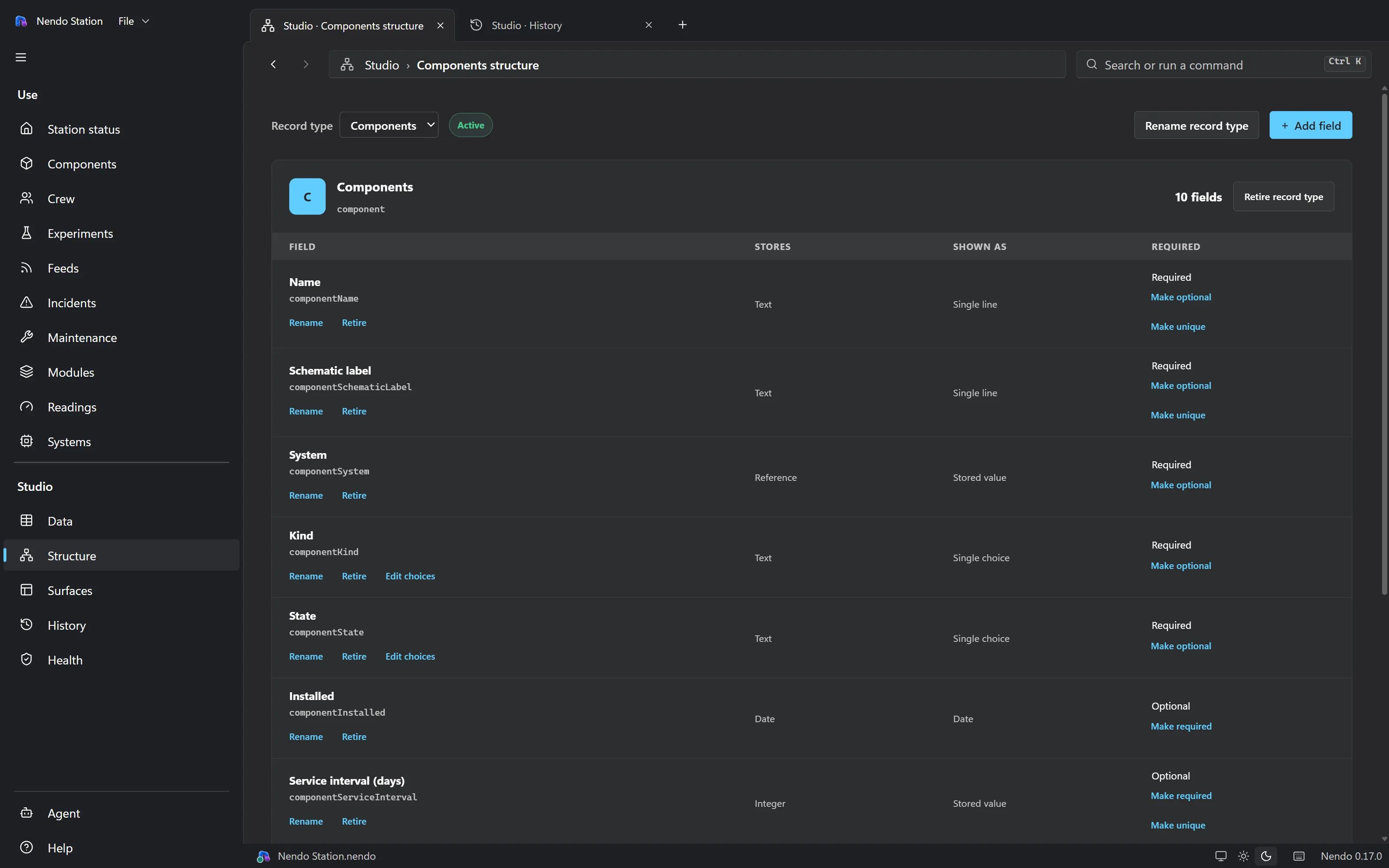
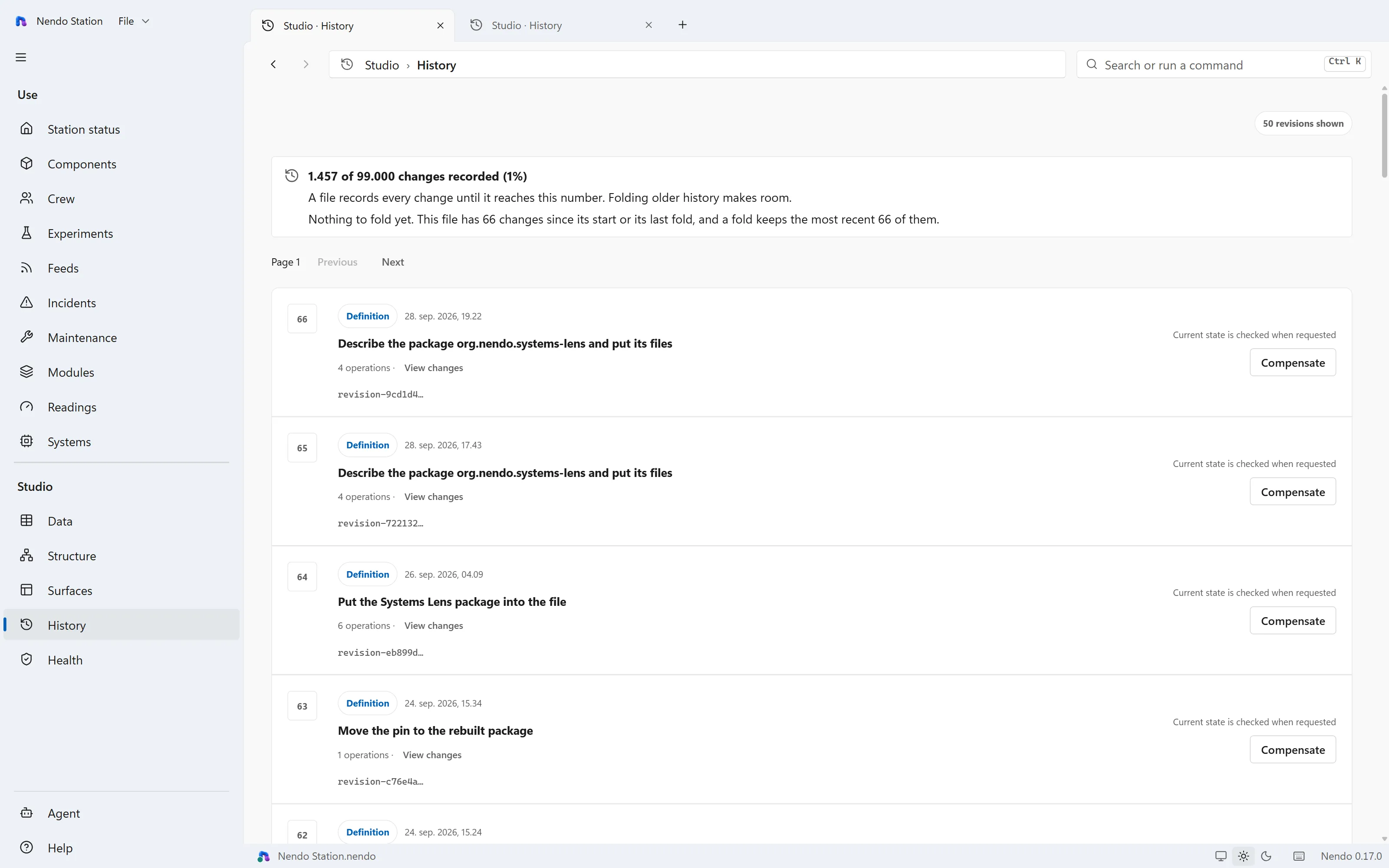
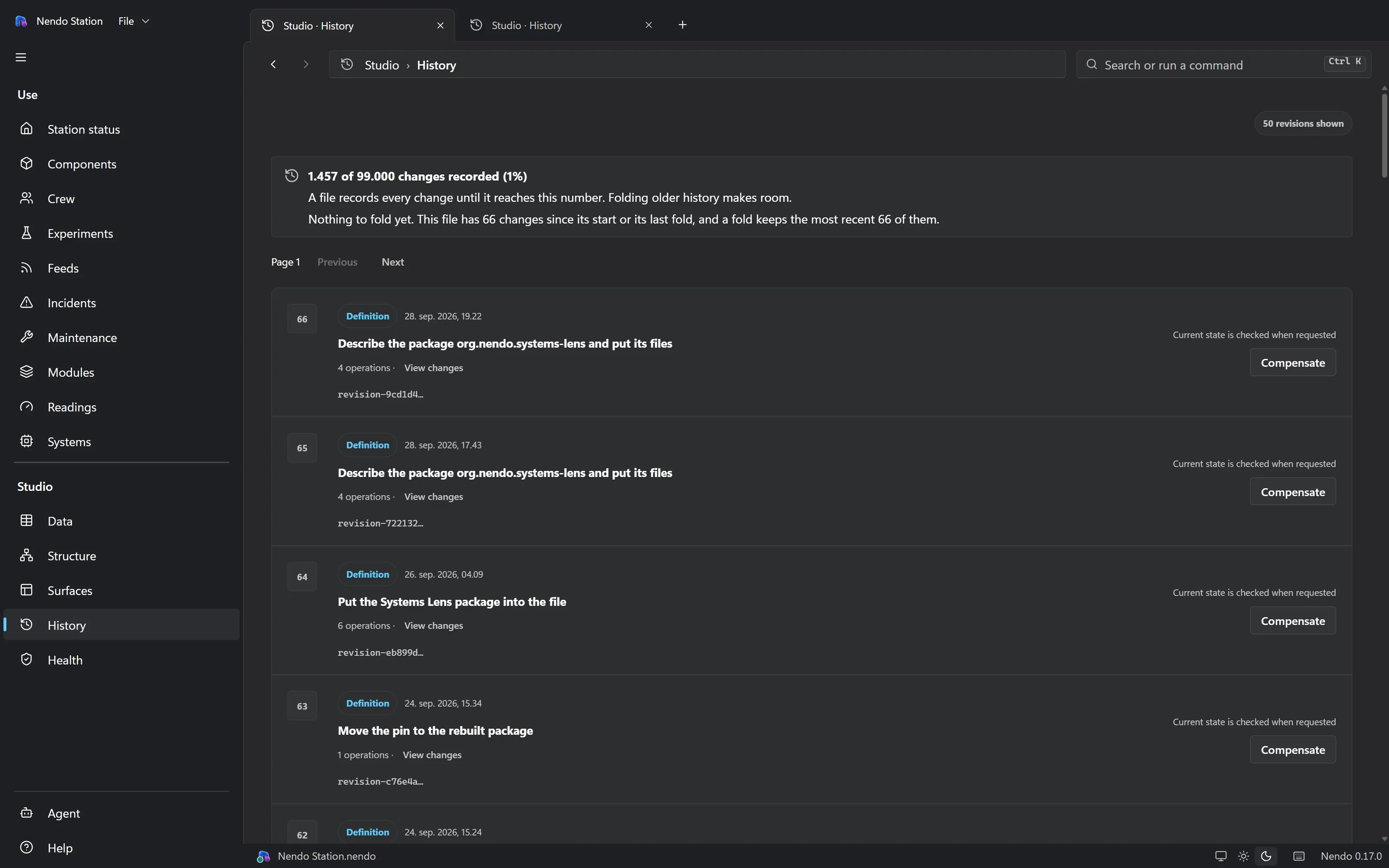
Every valid file opens with Nendo Studio and its five areas: Data, Structure, Surfaces, History and Health. It works with no record types, no agent, no custom screens, a broken definition, or a file opened in safe mode.
Agents
Agents talk to a stateless MCP server that listens only on this computer, athttp://127.0.0.1:41763/mcp. Fourteen resources are read-only and need no lease. There are nineteen tools, and the ones that write need the lease. The test suite checks both lists by name.
Nothing can connect. This is the default, and the right setting whenever no agent is working.
An agent can read the schema, the screens and the records, and change nothing.
An agent can create, change and delete records, but not the schema or the screens.
An agent can propose changes to the application. A person accepts each one.
The agent accepts its own proposals, and nobody reviews them first. It is off by default, must be confirmed before it takes effect, is never saved, and ends when the file closes.
The edit lease is an opaque applicationHandle and aleaseId, and every write needs both. Whoever holds the handle holds the lease, whatever name the client gives and whichever HTTP connection it uses. By default the lease never expires: the client releases it, and the person can revoke it at any time. The person can turn on a lease expiry under Agent → Connection.
You can see an agent working from any screen. The status indicator names the client and what it is doing, as in Claude Code is writing to this file…, instead of a bare Still working…
Working with agentslists every resource and tool, and what each refusal means.
Behaviour
A calculated field is stored as a definition, not as a column you can edit. It shows a value, Not set, Calculating…, or Cannot calculate with the reason. Screens can't sort, filter, group or total by a calculated field; they refuse and explain why, rather than quietly sorting only the rows already loaded.
Formulas run in a restricted evaluator with a fixed set of functions and hard limits. A file with no calculations never loads the evaluator. An edit and every automatic action it triggers are saved together or not at all.
A file with a trigger can't be edited until you approve that exact behaviour on this computer. Approvals are stored in your user profile, never in the.nendo file, so a file can't grant itself permission and a copy asks again.
Custom views are the one place a file carries code. A view's HTML and JavaScript arrive in the file as a package, reviewed line by line in a proposal, and run when the view is shown, in a frame of Nendo's own window. Each package gets a web address and a browser process of its own, apart from Nendo's own page. A view reads the file only through a closed set of typed calls, the same reads Nendo's own screens make, and cannot reach Nendo's page, SQL or a file path. It can reach the network and the clipboard. There is no install step and no permission dialog: switches on this computer turn views off, for every file or for one. In this version a view reads and does not write.